
Program overview
SafetyStream by The PeopleCam
An overview of the SafetyStream concept and the role of user-initiated communication during a critical incident.
SafetyStream / Active Shooter Preparedness
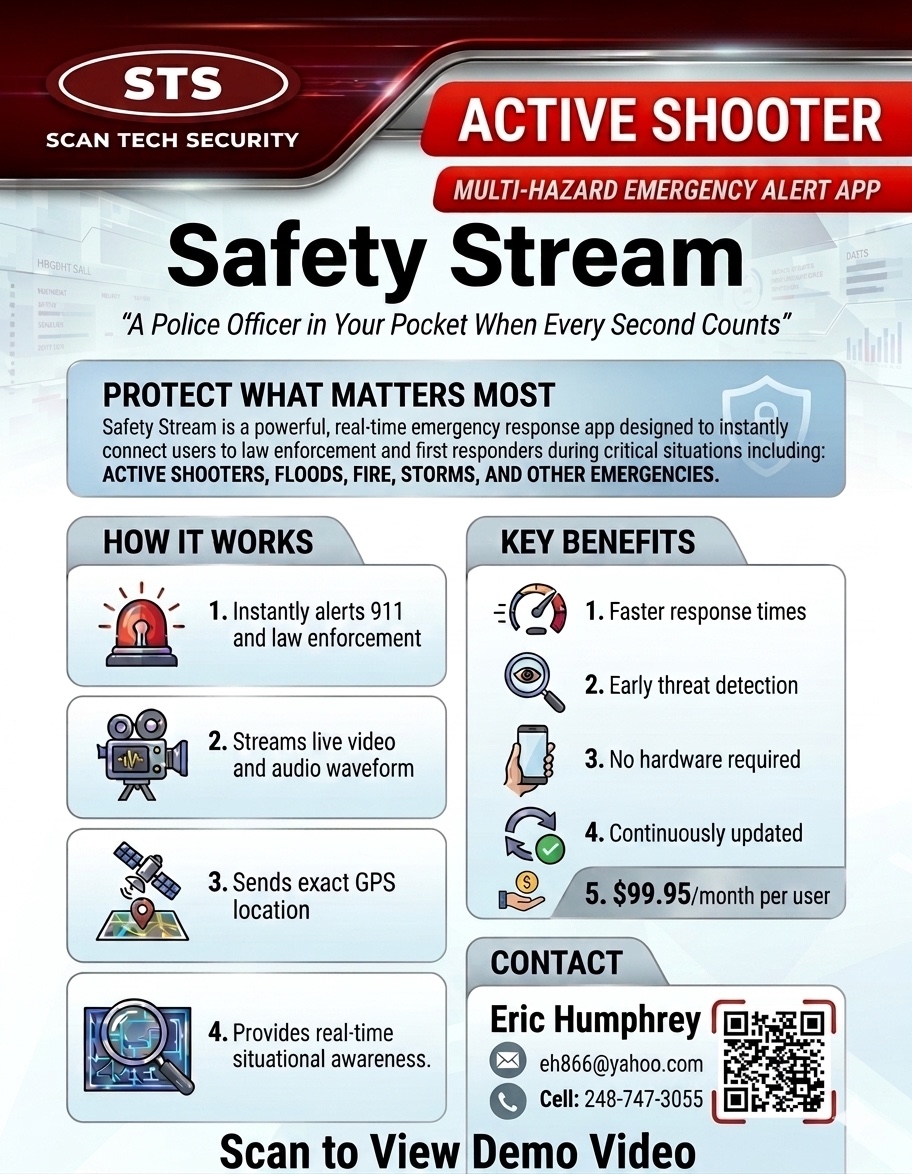
The SafetyStream concept brings together user-initiated alerts, visual and location context, group communication, and documented response roles. Capabilities remain dependent on the approved configuration, participating organizations, authorized users, and tested procedures.
Critical-incident preparedness
SafetyStream is presented as a mobile emergency-communication and dispatch-portal concept for active-shooter events and other critical incidents. Live video or audio, location sharing, group updates, public-safety routing, and responder connections may be represented as available only when configured, authorized, tested, and included in written agreements.
SafetyStream media
The three videos from the Active Shooter page are packaged locally with the theme.
Program overview
An overview of the SafetyStream concept and the role of user-initiated communication during a critical incident.
Preparedness message
A program video emphasizing preparedness, updated safety practices, and informed participation.
Leadership briefing
Eric Humphrey discusses the program concept and the importance of communication during critical incidents.
How the concept is presented
These planning areas reflect the Active Shooter page. Availability depends on the approved configuration, participating organizations, service providers, technical validation, and written agreements.
User-initiated alert
Document authorized users, triggering conditions, internal notifications, and escalation responsibilities. An alert must not be represented as automatic dispatch unless that exact workflow is validated.
Visual and location context
Approved video, audio, room or site information, and location data may help authorized participants understand an incident when the selected platform and network support them.
Group communication
Determine which staff or stakeholders receive updates, what information they may share, and how communications are managed during an incident.
Dispatch and API connections
Public-safety portals, APIs, emergency routing, and responder connections require technical testing and written confirmation before they are presented as active.
Responder preparation
When authorized and available, visual or location information may support situational awareness. No response time, tactical result, continuous availability, or outcome is guaranteed.
Broader emergency coordination
The communication framework may also be evaluated for medical emergencies and severe weather, subject to the selected system and approved procedures.