

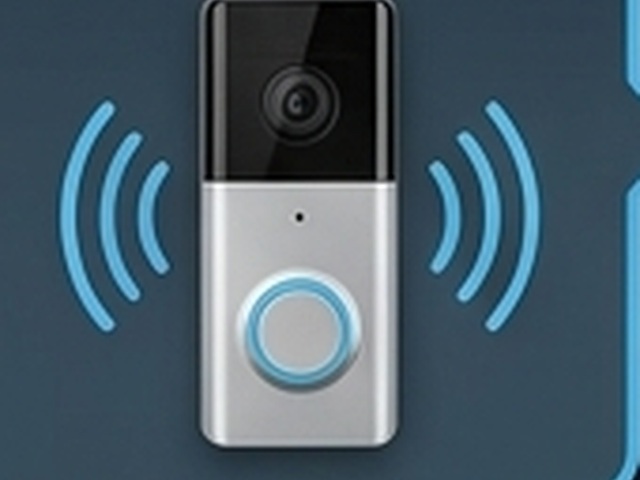
Attention & review
Alert! Motion at Home!
AI-assisted tools can help authorized users review activity when those features are included in the approved system.
Review what may need attention.
Community safety program
A clear visual story: optional review tools when included, live video when configured, a connected community, and a defined response when help is needed.
One neighborhood. Four clear steps.
Eligible properties may qualify for equipment at no cost.
Featured video
Watch the featured video, then explore four steps connecting visibility, authorized viewing, community roles, and an approved response.
One neighborhood • Four connected steps
Each panel completes the story—from attention and authorized viewing to community roles and an approved response.
Attention & review
AI-assisted tools can help authorized users review activity when those features are included in the approved system.
Review what may need attention.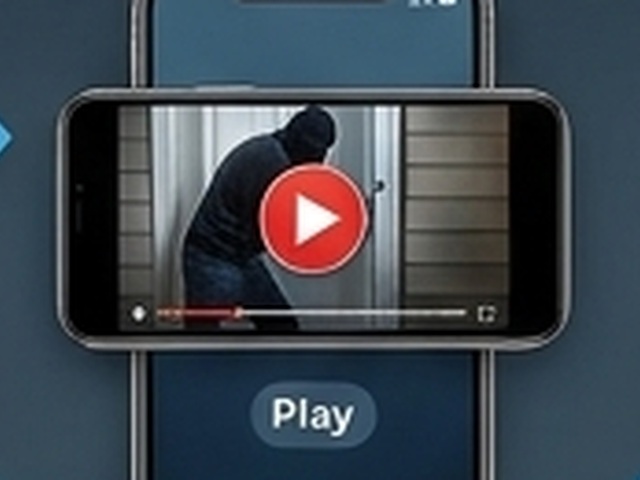
Authorized visibility
Authorized users can view live video when configured for the property or participating neighborhood.
See the scene when live viewing is part of the plan.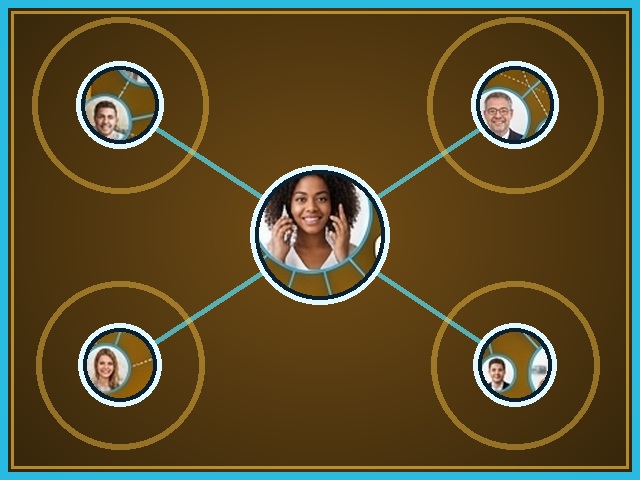
People & roles
Residents, property owners, and approved partners share clear roles, privacy boundaries, and contact procedures.
Connect neighbors through agreed roles.
Defined next step
When needed, authorized people or monitoring services follow the approved plan, which may include contacting emergency responders.
Know who contacts whom, and when.Final response steps depend on the approved system and response plan. No automatic dispatch or guaranteed outcome is implied.
See the Program DetailsListen • Learn
These audio briefings continue the privacy, planning, and community-safety conversation.
Neighborhood & City Video Watch • Audio 01
A briefing about local participation, defined data boundaries, and privacy-first planning.
A transcript is not currently available.
STS School Safe Routes • Featured Audio
A discussion of non-invasive safety planning around walking routes, bus stops, and neighborhood infrastructure.
A transcript is not currently available.

Professional security design
A site assessment connects the concerns, entrances, routes, assets, blind spots, and infrastructure before equipment is selected.
Understand how the space is used and where attention is needed.
Define coverage and infrastructure around the real operation or home.
Review practical installation, monitoring, and service options.
Leading with innovation
Scan Tech Security provides site-specific installation and support options. Monitoring may be included only when it is available and configured in the approved system plan.
Professional equipment and infrastructure deployment shaped by the site plan.
Monitoring may be included when available and configured for the property, response needs, and approved system design.
Quoted support may include testing, maintenance, and service for the installed system.
Contact Scan Tech Security
Review the available contact information and the appropriate next step for the property.
Neighborhood safety planning
Explore the planning model for a block, corridor, faith coalition, civic group, or neighborhood organization.